
Build and backtest a strategy in Composer before going live
Go from a one-line idea to a backtested, paper-traded strategy with the exit rule and the drawdown number in front of you before any money moves.
- Platform
- Composer
- Time
- About 30 minutes
- Level
- No code
This guide takes a one-line trading idea through Composer's Trade With AI, a backtest, one variation, a month of paper trading and a small live start. It takes about 30 minutes to set up, needs no code, and the two numbers you leave with are the max drawdown and the trade count.
New guides go to subscribers first. Get the next one by email →
What you need
- A Composer account (free tier is enough to build and backtest)
- Two or three tickers you'd actually hold
- An exit rule you can say in one sentence
Steps
Write the rule in plain English first
Before you open Composer, write one sentence for what you hold, how often you rebalance and when you get out. If you can't write the exit, you don't have a strategy yet.
Open Trade With AI and paste the brief
In Composer, go to Create and choose Trade With AI. Paste Prompt #011 with your tickers and your exit rule in the blanks. Ask for the backtest in the same message so you don't have to prompt twice.
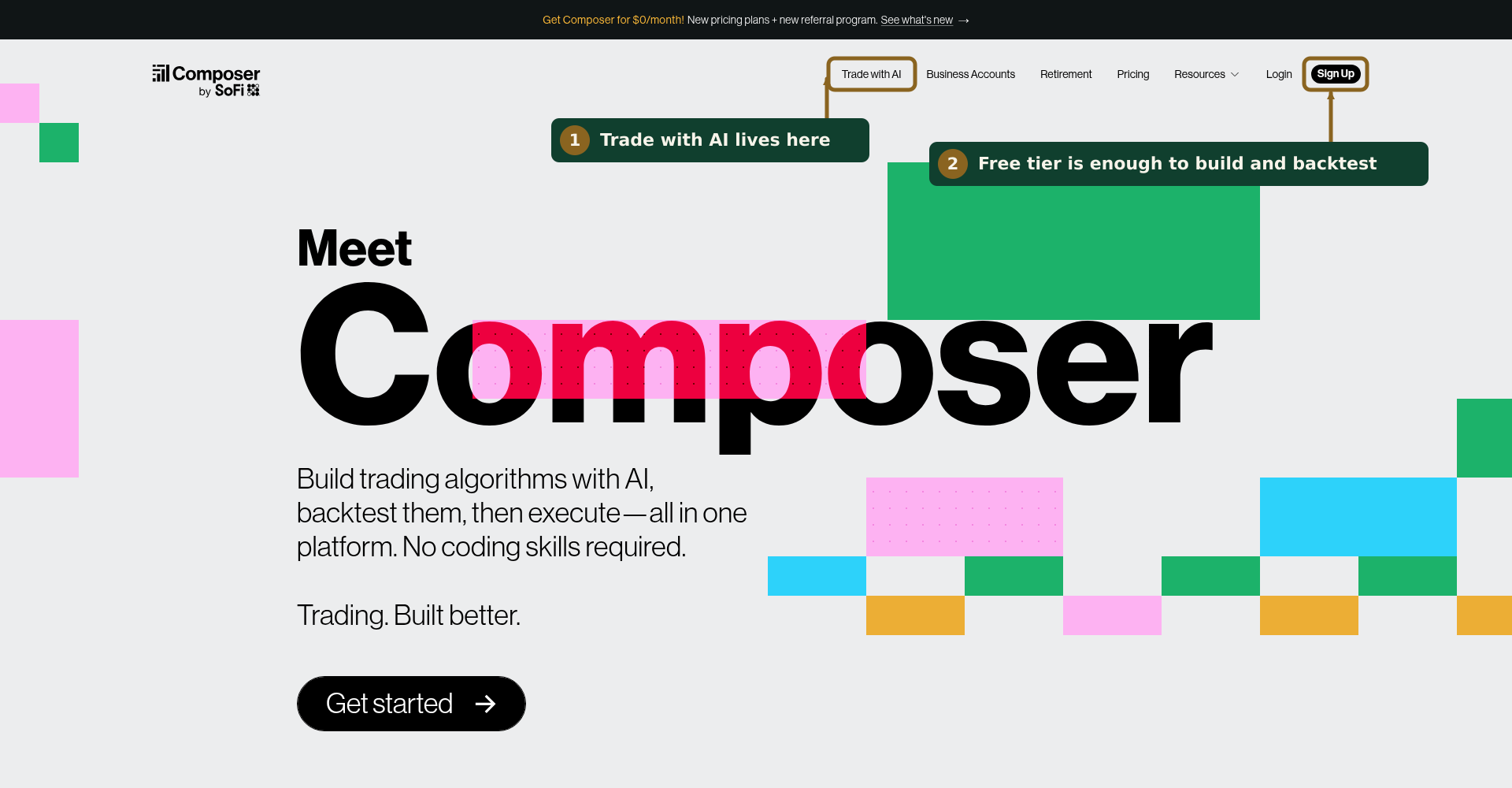
Trade with AI is in the top menu on composer.trade. Logged in, it's under Create. Build a strategy that holds [tickers] equal weight, rebalances monthly, and moves fully to cash when SPY closes below its 200-day average. Backtest it over the last five years and show me total return, max drawdown and the number of trades before anything goes live.
Read the drawdown before the return
Find max drawdown in the backtest results. Ask yourself whether you'd have held through a drop of that size at your intended position size. If the answer is no, cut the size or tighten the exit and run it again.
Check the trade count
A strategy with very few trades over five years hasn't been tested much. One with hundreds will cost more in spread and slippage than the backtest shows. Either way, note the number.
Change one thing and rerun
Swap the 200-day average for 100-day, or monthly rebalancing for weekly. If the result changes a lot from a small tweak, the strategy is fragile. If it barely moves, it's robust to that setting.
Keep everything the same but change the exit to SPY closing below its 100-day average. Show me the same three numbers side by side with the previous version.
Paper trade it for at least a month
Save the strategy and run it in paper mode. Check it weekly. You're watching for behaviour the backtest couldn't show: fills, rebalance timing and whether you actually leave it alone.
Go live small
When you fund it, start at a fraction of what you planned. Set a calendar reminder to review it after the first rebalance and compare the live trades to what the backtest implied.
Before you rely on it
- You can state the exit rule in one sentence
- You know the max drawdown and would hold through it
- You've run at least one variation and seen how sensitive it is
- It's been in paper mode long enough to see a rebalance
- Live size is smaller than you think it should be
Used in this guide
Compared in
Frequently asked questions
- How long should I paper trade a Composer strategy before going live?
- At least a month, long enough to see a rebalance happen. You are watching for fills, rebalance timing and whether you actually leave the strategy alone, none of which a backtest shows.
- What is the most important number in a Composer backtest?
- Max drawdown, read before the return. If you would not have held through a drop of that size at your intended position size, cut the size or tighten the exit and rerun.
- Does Composer's Trade With AI require coding?
- No. You describe the holdings, the rebalance frequency and the exit rule in plain English, and ask for the backtest in the same message. Prompt #011 in our library is the brief this guide uses.
- How do I know if a backtested strategy is overfit?
- Change one setting, such as the 200-day average to 100-day, and rerun. If a small tweak changes the result a lot, the strategy is fragile. Also check the trade count: very few trades means it has barely been tested.
- How much should I fund a new strategy with?
- A fraction of what you planned. Set a reminder to review after the first live rebalance and compare the live trades to what the backtest implied before adding size.
Get the next guide first
Hands Off is a free newsletter on AI tools for traders and finance professionals, twice a week. New guides, prompts and shortlists go to subscribers before they go anywhere else.
This guide is an editorial walkthrough, not a tested configuration and not financial advice. Review anything a model produces before you act on it.